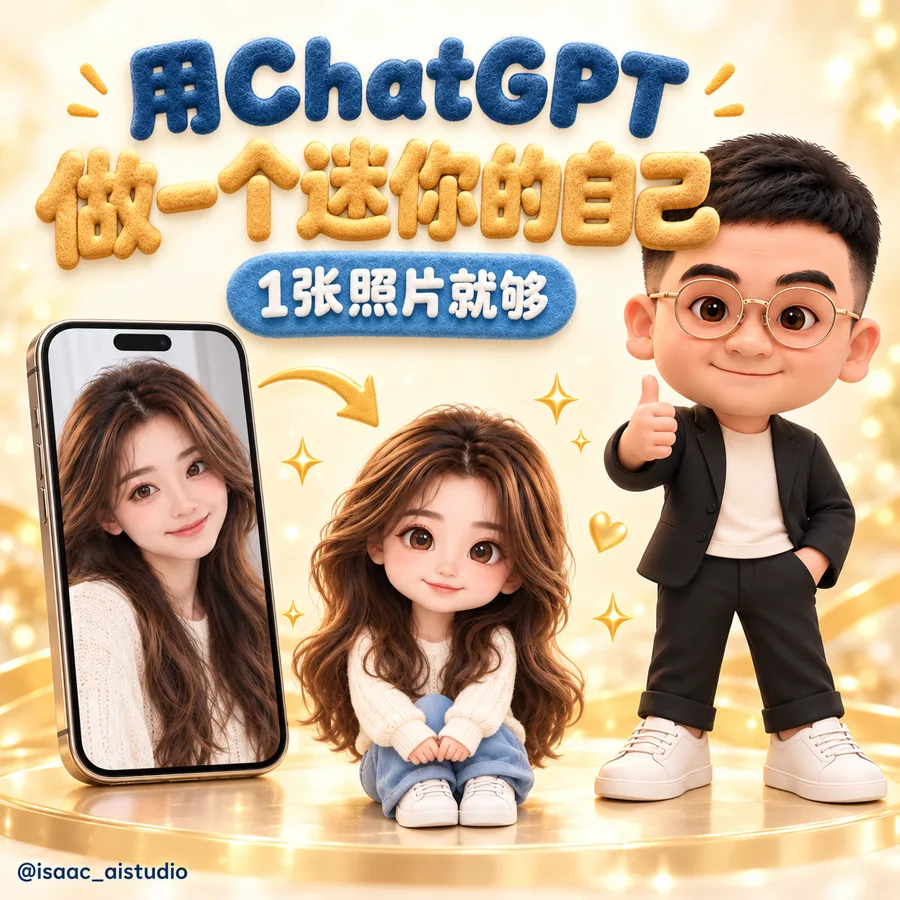
示範人物是用 AI 生成的虛擬人物,不是真人。Prompt 用英文,因為 ChatGPT 生圖用英文的效果比較好。每個 Prompt 右上角都有「複製」按鈕
01準備照片
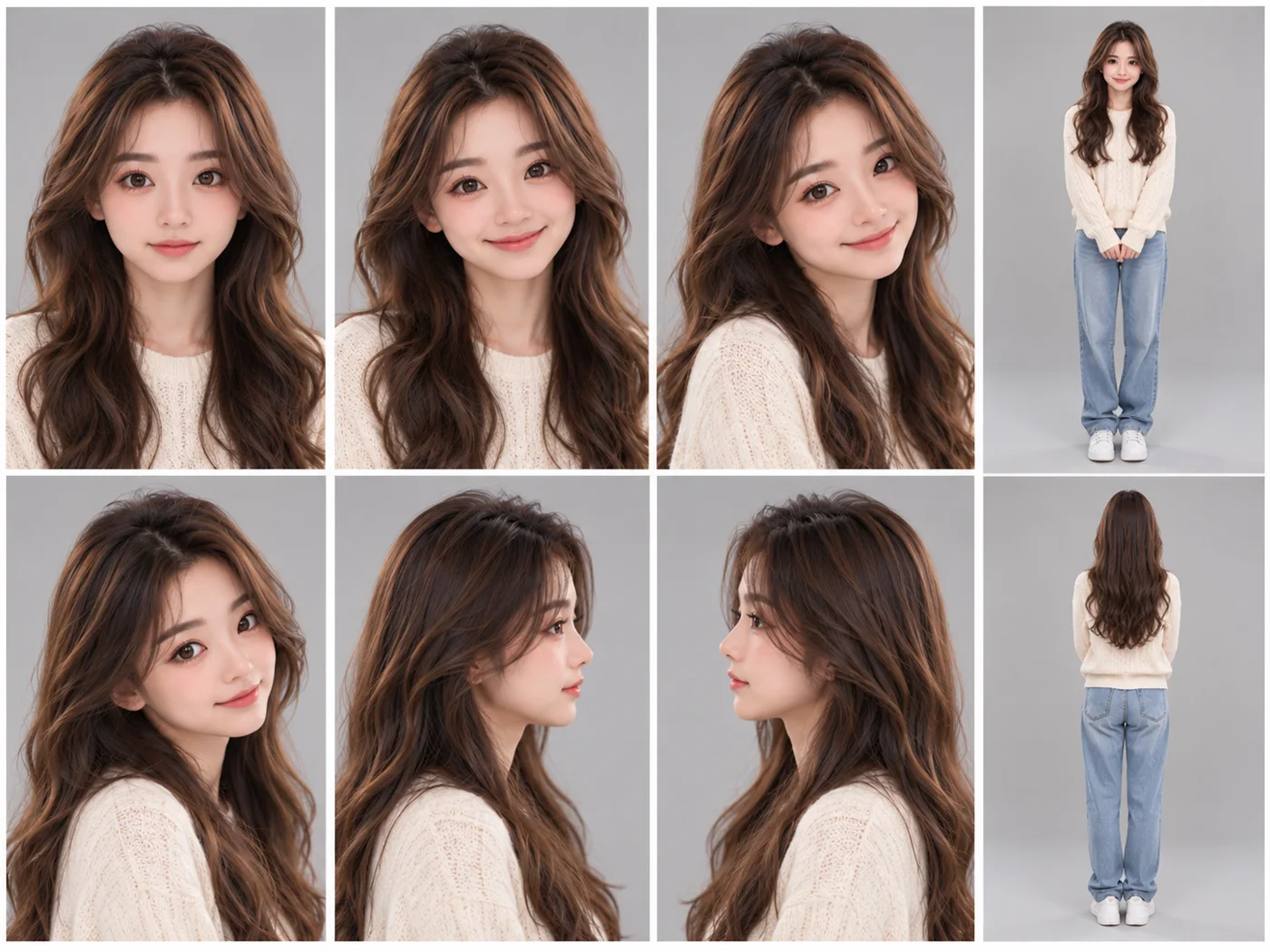
- 最好 2 到 4 張:正面、側面、全身
- 光線要亮,不要戴帽子,背景越簡單越好
- 想要公仔穿什麼,照片就穿什麼,衣服會比較像
02生成你的公仔
打開 ChatGPT,先上傳照片,再貼上這個 Prompt。把方括號裡的衣服換成你想要的
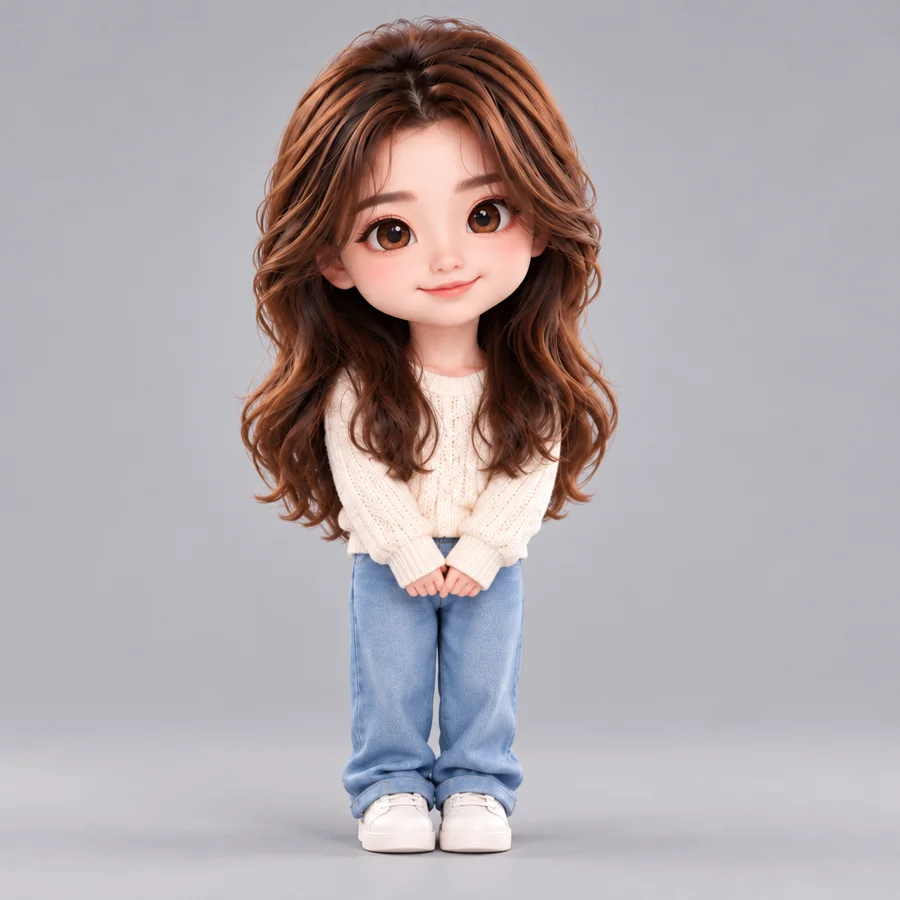
PROMPT 1 · 生成公仔
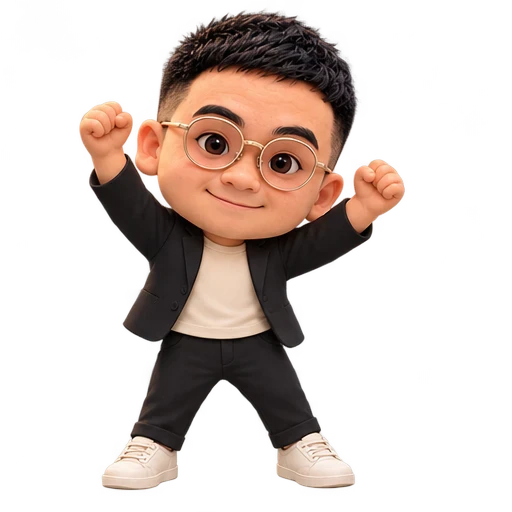
Turn the person in the attached photos into a 3D chibi collectible figure. Keep the face shape, eyes, nose, ears, skin tone, hairstyle and glasses exactly like the photos. Big head and small body, friendly closed-mouth smile, wearing [your outfit, e.g. black blazer, cream t-shirt, black trousers, white sneakers]. Soft premium 3D render like a vinyl toy. Full body, standing. Plain light grey background, no text.
03做三視圖,以後每次都像同一個人
三視圖就是公仔的「身份證」。以後要生成新的動作或場景,附上它,公仔就不會跑掉
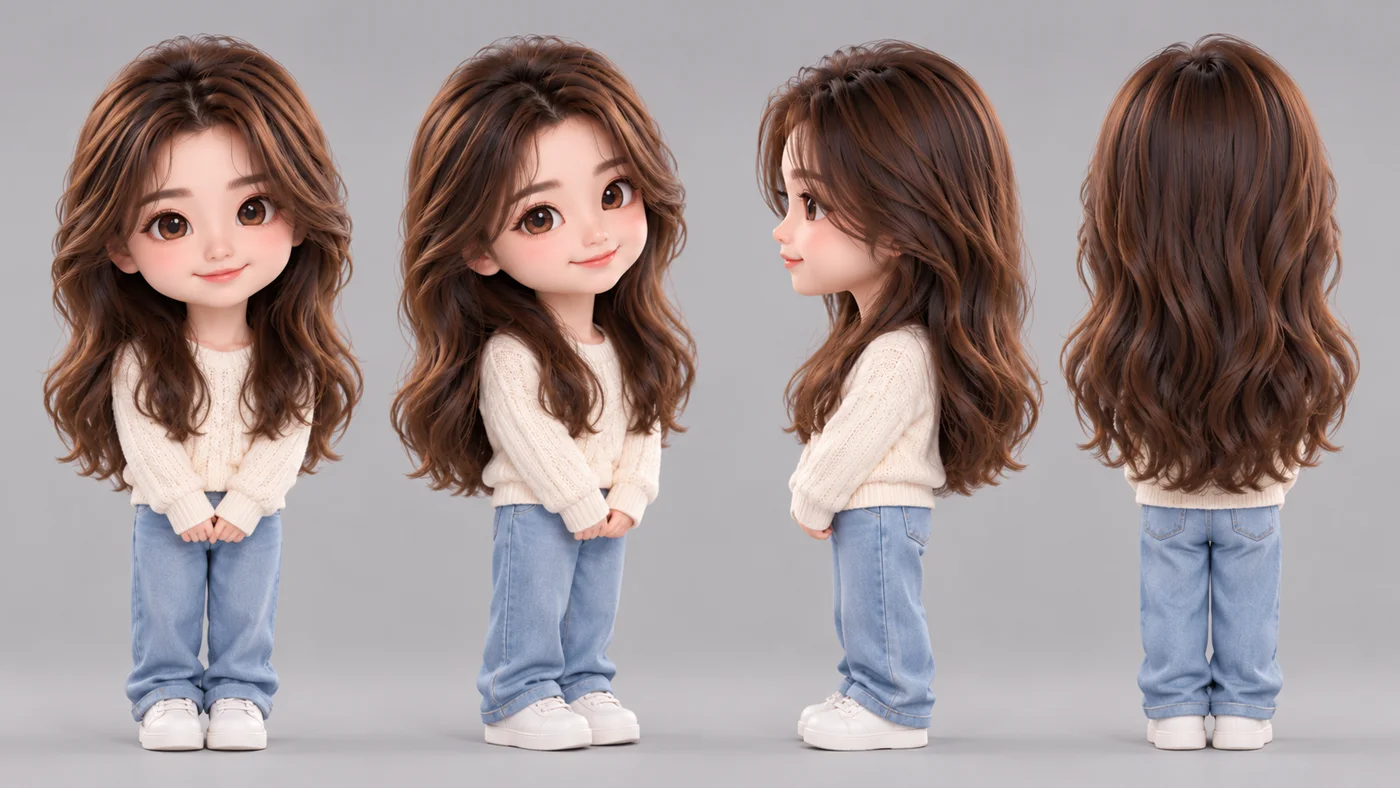
PROMPT 2 · 三視圖
Using the same figure, create a character turnaround sheet with four clearly different angles evenly spaced: front, three-quarter, side profile and back. Same face, hair, outfit and proportions. Plain light grey background, no text. 16:9.
04想要什麼動作都可以
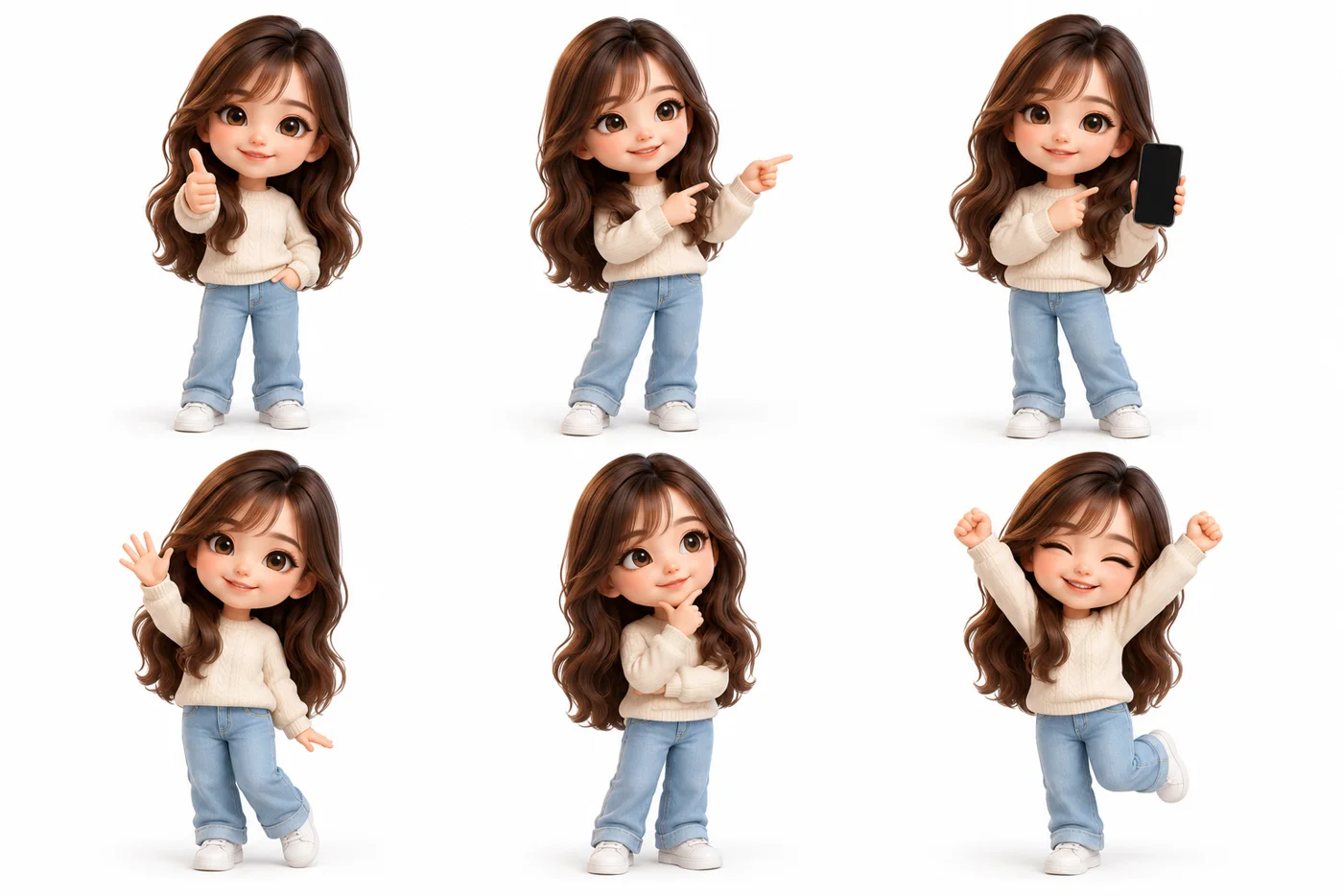
PROMPT 3 · 6 個動作
Using the same figure, create a pose sheet in a 3 by 2 grid: thumbs up, pointing to the side, holding a smartphone, waving, thinking with hand on chin, celebrating with both arms up. Transparent background, full body, no text.
05加分玩法:坐在肩膀上的迷你自己
上傳一張你自己的半身照,再上傳公仔圖,然後貼上:
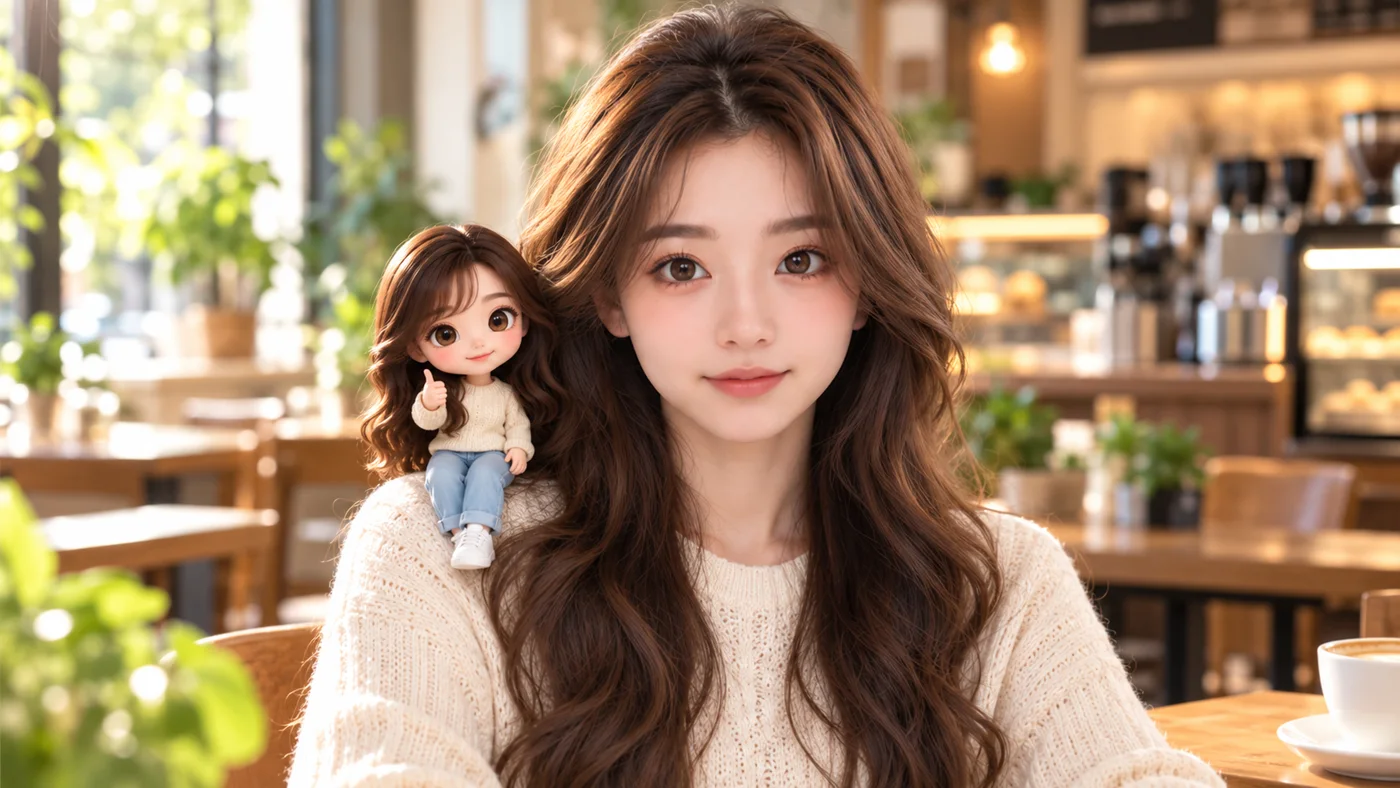
PROMPT 4 · 肩膀上的迷你自己
Place this 3D chibi figure sitting on the right shoulder of the real person in the photo, giving a thumbs up. Keep the real person exactly the same. Match the lighting so the figure looks naturally placed. Photorealistic, no text.
06不像?加這一句就好
我第一次生成的時候,頭髮變成了刺蝟頭。原因是我只給了公仔圖,沒有給真人照,AI 只好自己猜
重點:不要重新開對話,直接在同一個對話裡講哪裡要改,AI 會在原本的基礎上修改,比重來準很多
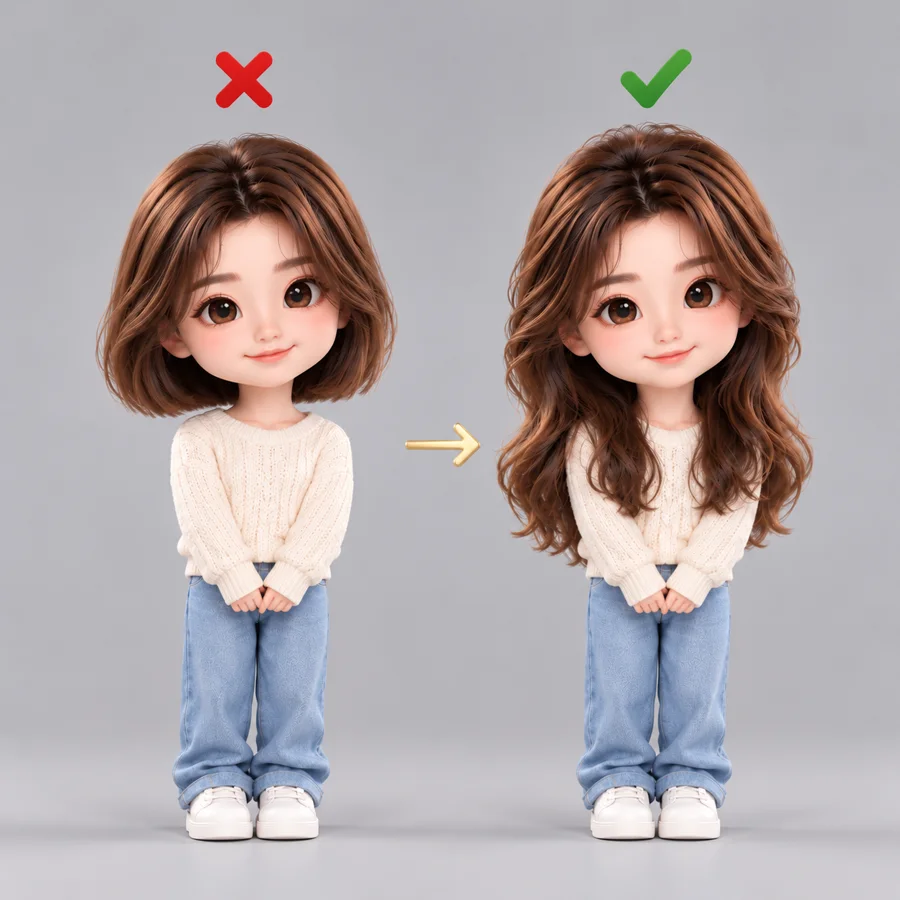
修正句
Make the hair and face shape match the real photos more closely. Keep everything else the same.
想把 AI 用在你的生意上?
同樣的方法可以做產品照、廣告圖、品牌公仔。我也幫老闆把行銷和客服自動化