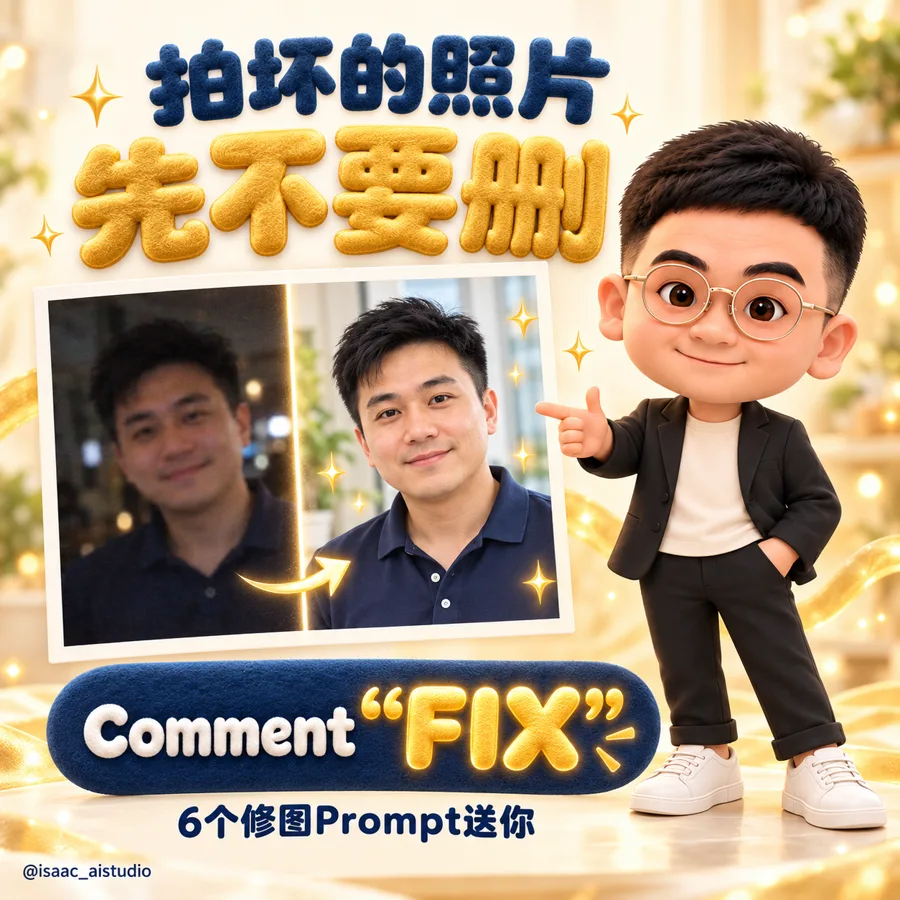
Prompt 用英文,因為 ChatGPT 用英文的效果比較好。方括號 [ ] 裡的內容換成你自己的,每個 Prompt 右上角都有「複製」按鈕
01模糊變清晰
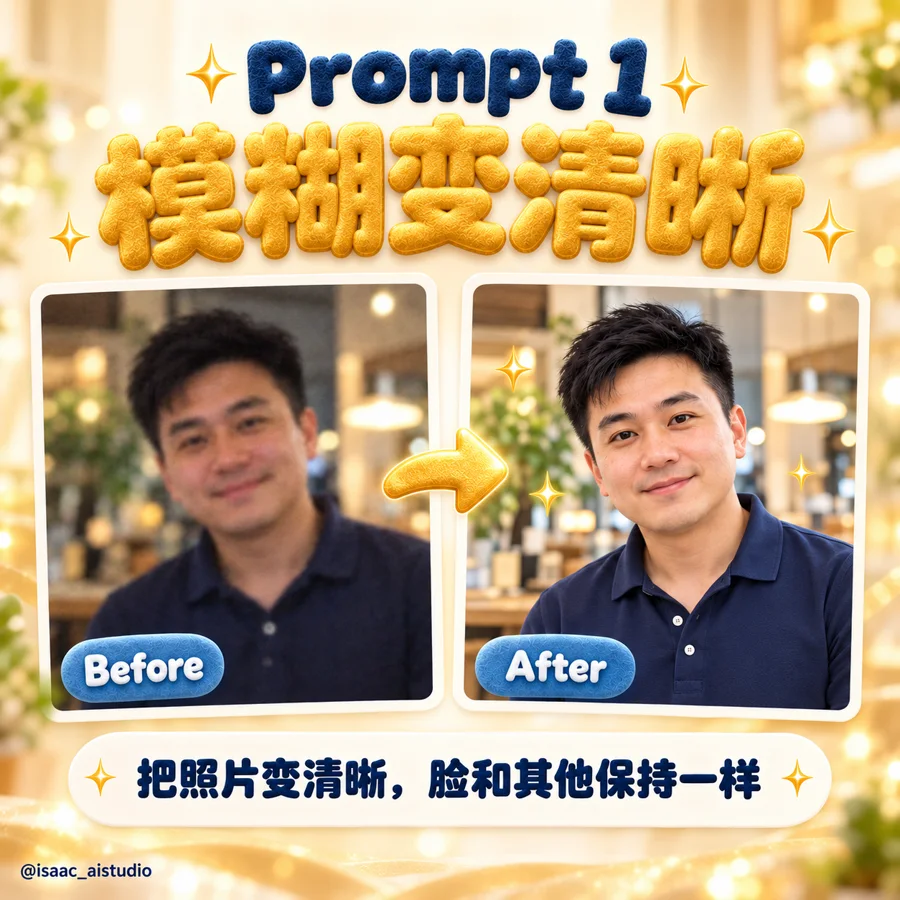
PROMPT 1 · 模糊變清晰
Restore this photo: make it sharp and clear, recover fine details in the face and hair, remove blur and noise. Keep the person, pose, background and colours exactly the same. Photorealistic.
02太暗變明亮
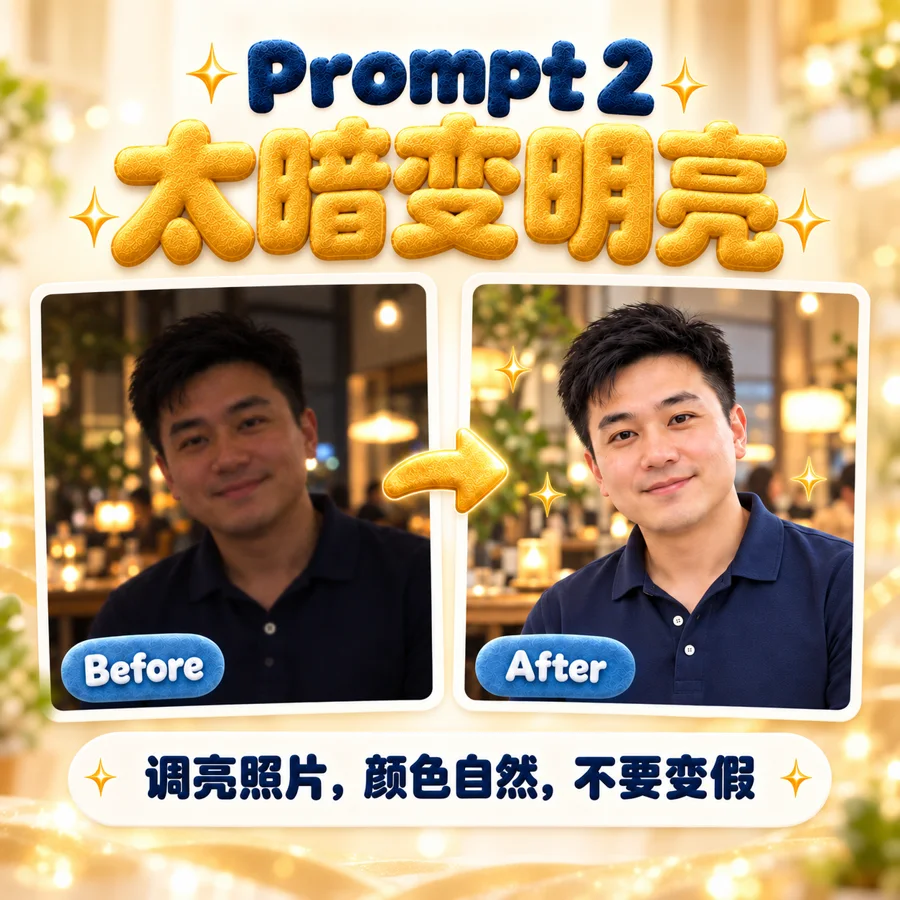
PROMPT 2 · 太暗變明亮
Brighten this photo naturally as if it was taken with good lighting. Recover details in the dark areas, keep skin tones natural and do not change anything else.
03老照片修復上色
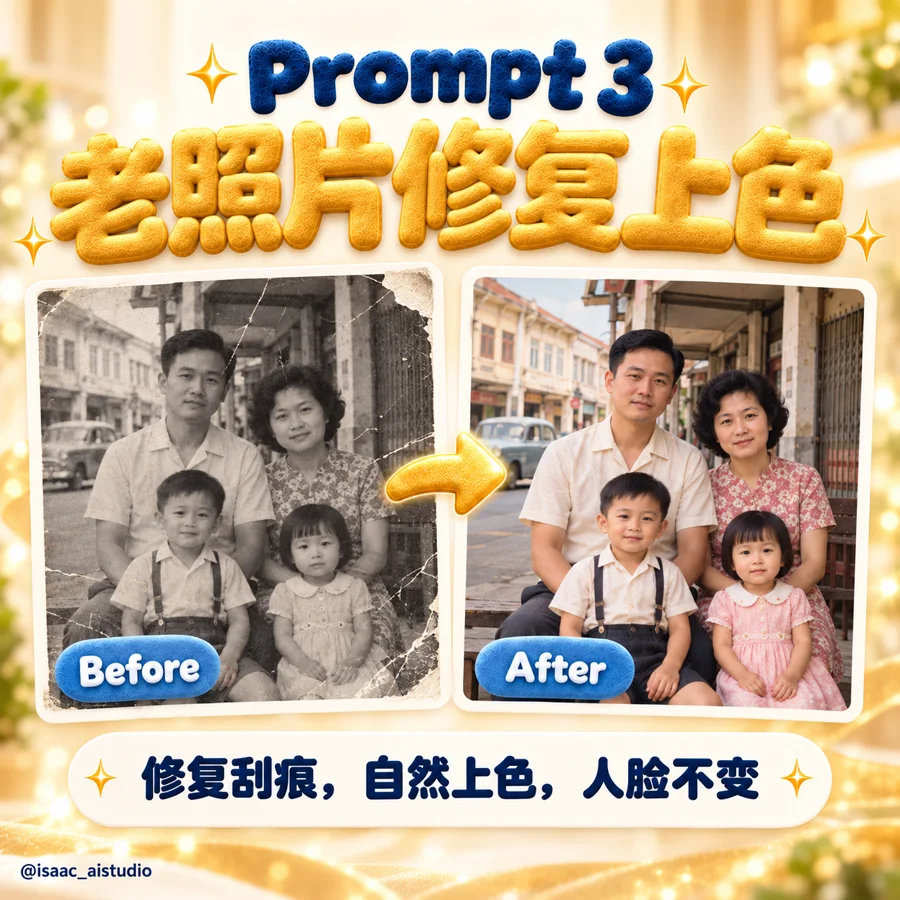
PROMPT 3 · 老照片修復上色
Restore this old photo: remove scratches, stains, tears and fading, recover the details, then colourise it with natural, realistic colours true to the era. Keep every face, detail and the composition exactly the same.
04去掉背景路人
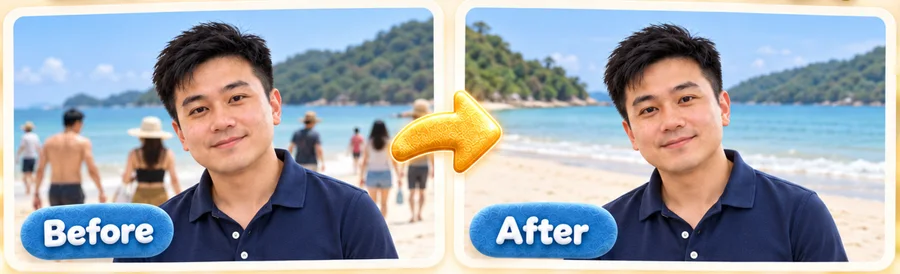
PROMPT 4 · 去掉背景路人
Remove the people and objects in the background behind the main subject and fill the area naturally. Keep the main subject exactly the same.
05閉眼變睜眼
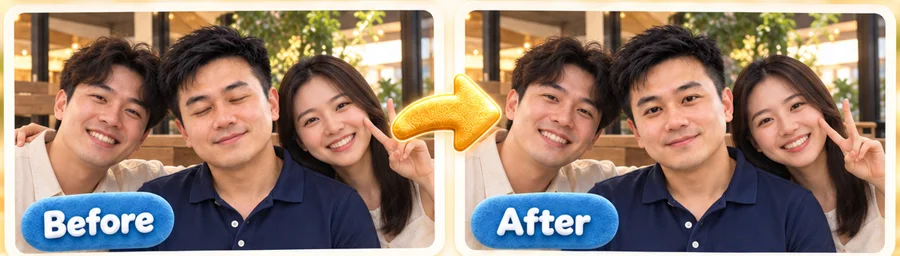
PROMPT 5 · 閉眼變睜眼
The person in this photo blinked. Open their eyes naturally, matching their real eye shape and colour from the rest of the face. Change nothing else.
06萬能修圖句
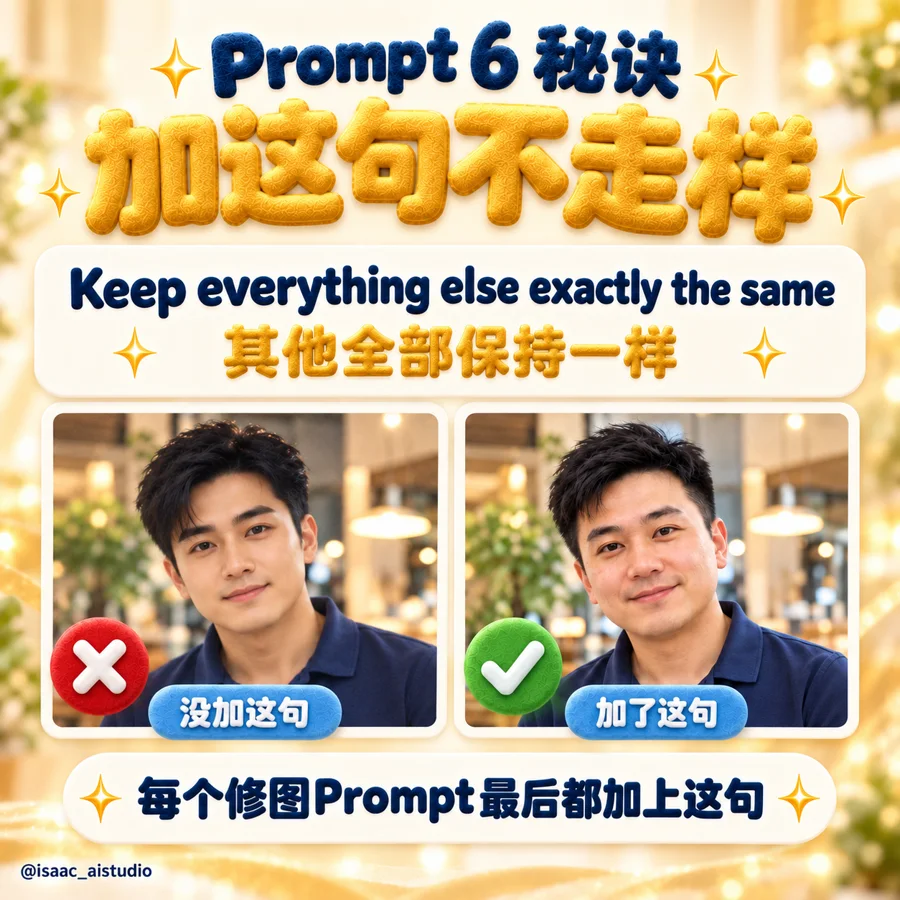
PROMPT 6 · 萬能修圖句
Fix [describe the problem, e.g. the reflection on my glasses] in this photo. Keep everything else exactly the same.
小提醒:每一句最後都有 keep ... exactly the same。這是讓 AI 只修問題、不改人的關鍵
想把 AI 用在你的生意上?
我幫老闆把行銷、內容和客服用 AI 做得更快,也提供免費的 AI 商業診斷